
Why do I see multiple companies I can log in to in MyKinamo?
In MyKinamo, you can access multiple companies using a single email address and login. This happens when you have been linked to different companies (accounts) by Kinamo or by other customers. Specifically, this means the following:
- After logging in, you’ll first see a selection screen where you can choose which company you want to proceed with.
- If you are already logged in to a company, you can easily switch to another company using the dropdown menu in the top-left corner.
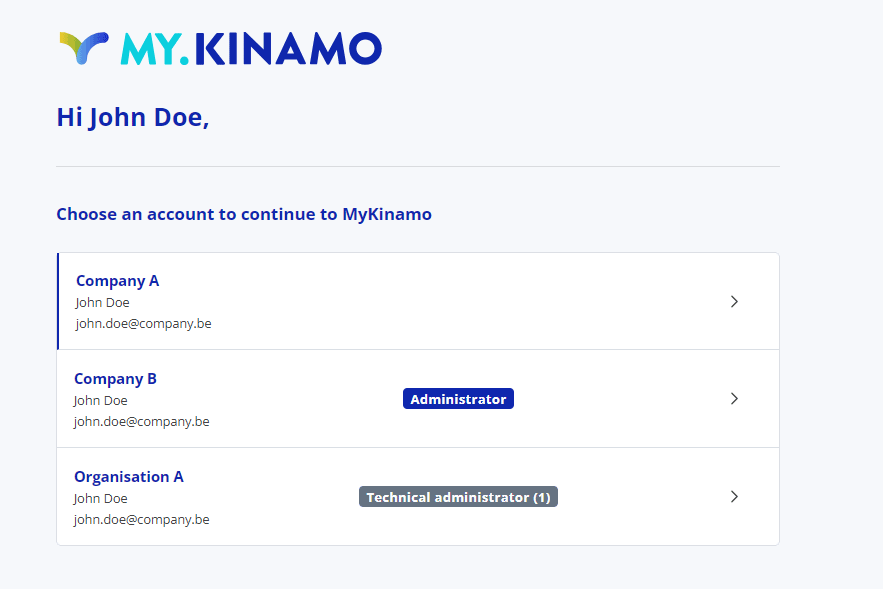
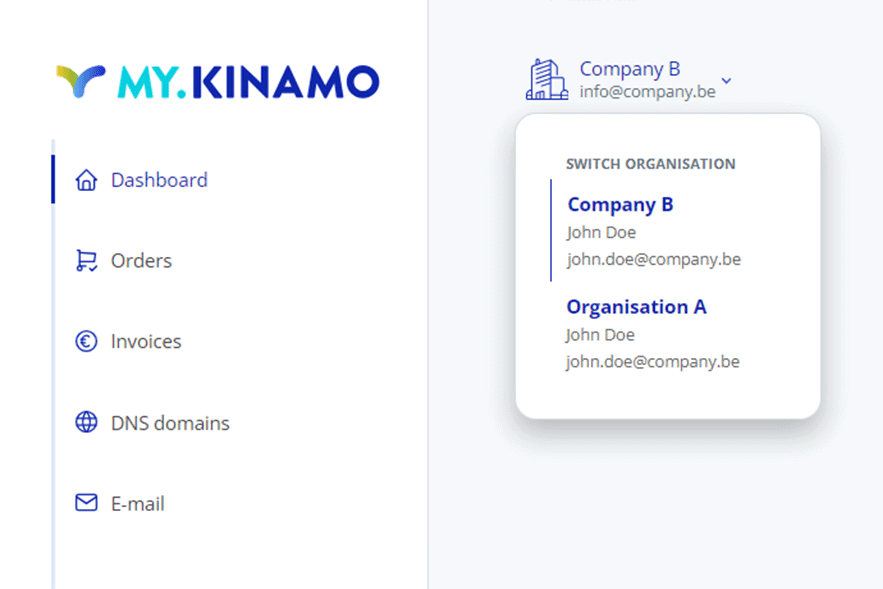
In practice, Kinamo resellers in particular will see multiple companies to choose from within MyKinamo. This gives them a clear overview of their customers and makes it easy to manage their customers’ services.
How are services organized in MyKinamo?
All services in MyKinamo are grouped by company.
The following applies in each case:
- One VAT number = one company
- Each company has its own specific services, users, and billing
This way, you always maintain a clear overview, even when working with multiple companies.
